
Colour is the first thing people see on a t-shirt and the first thing that goes wrong. A logo that looks perfect on a white screen can vanish on a grey tee. Here is how to choose a garment colour and a print or thread colour that work together.
Two colours, not one
Every custom t-shirt has two colour decisions:
- The garment colour: the cloth itself.
- The decoration colour: the ink or thread of your logo.
They have to be chosen together. A logo is only as visible as the difference between it and the shirt underneath.
Contrast decides whether the logo is seen
Contrast is the difference in lightness between the design and the garment. High contrast reads from across a room. Low contrast reads only up close, and sometimes not at all.
- Strong pairs: white on navy, black on white, white on black, yellow on black, black on yellow.
- Weak pairs: grey on grey, navy on black, red on maroon, light blue on white, yellow on white.
A simple test: turn your mockup to black and white on your phone. If the logo almost disappears, the contrast is too low. Colour alone does not save it; red on green, for example, can be the same lightness and blur together, especially for people with colour blindness.
Low contrast is sometimes the point. A tonal logo, black on charcoal or navy on navy, looks quiet and premium. Choose it on purpose, not by accident.
Dark garments
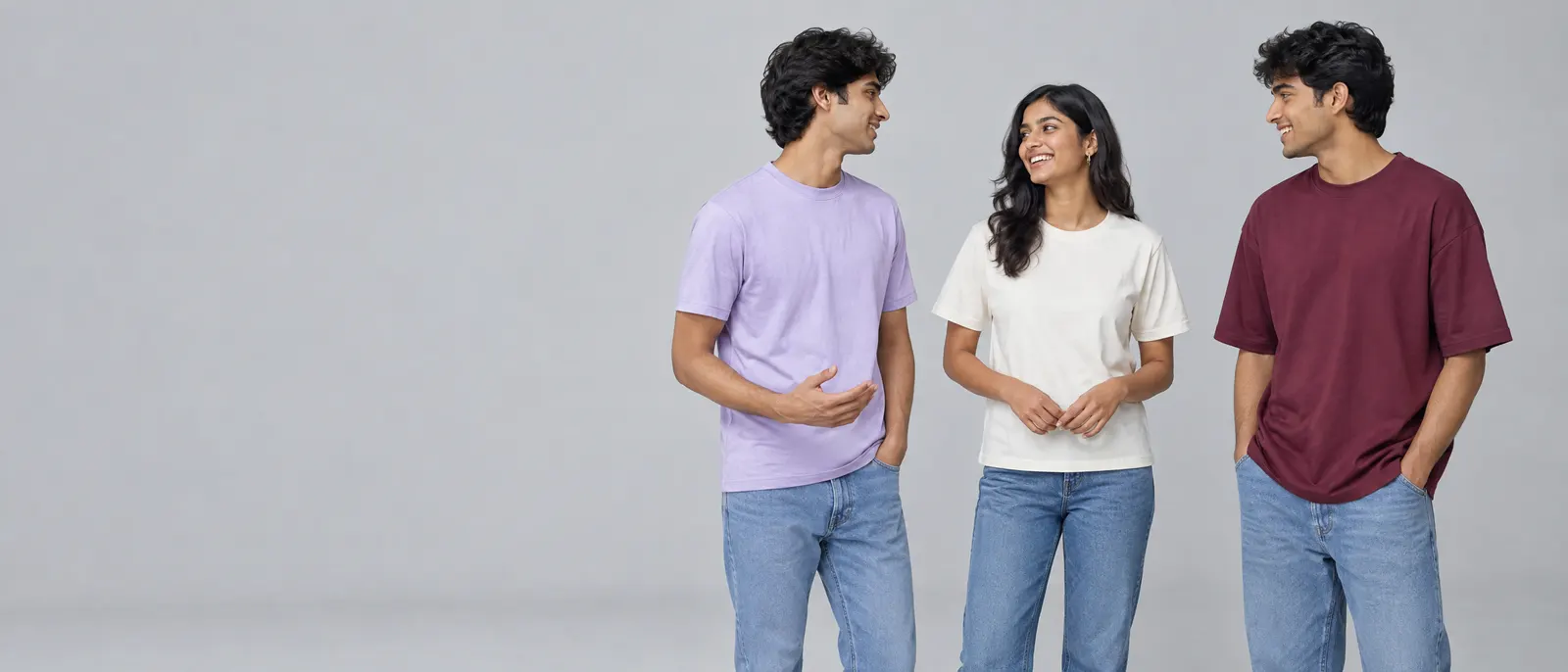
Dark tees, black, navy, bottle green, maroon, look smart, hide wear and suit most skin tones. They need bright or light decoration.
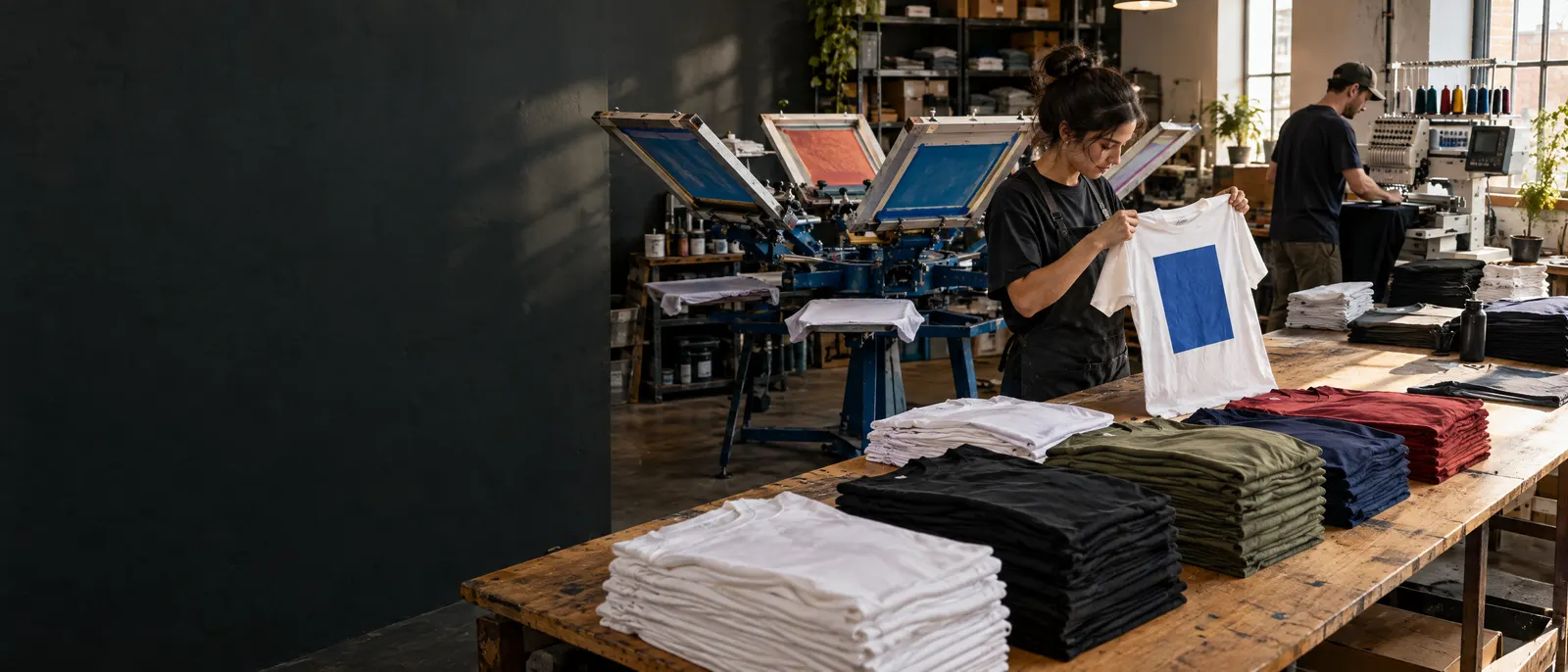
For print, a light colour on a dark shirt usually needs a white base layer under it, or the dark cloth shows through and dulls the colour. That is a normal part of printing on dark garments and does not change the look, but it adds a layer, which can make a large print feel slightly heavier.
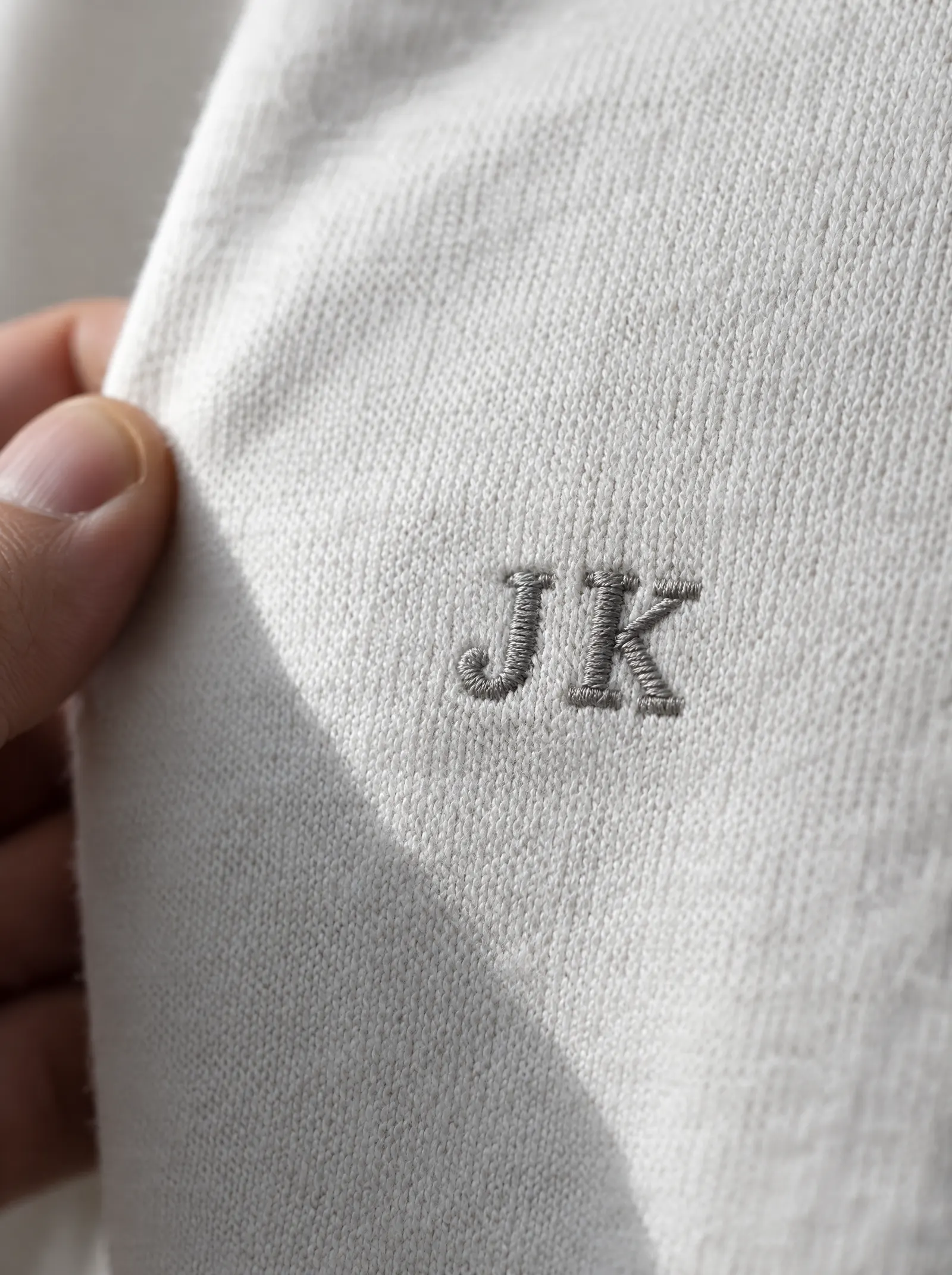
For embroidery, dark garments are easy: thread sits on top of the cloth, so a light thread stays bright.
Light garments
White, cream, light grey and pastels make colours look true. Ink goes straight onto the cloth and the colour you see on the mockup is close to what you get. Light garments show sweat and stains more, so they suit events and short use better than daily wear for field staff.
White ink and pale thread disappear on light garments. Use mid or dark colours for the design.
Heathers and marls
A heathered grey looks soft and casual, but it is a mix of light and dark fibres. Print on it can look slightly speckled, and mid-tone colours lose contrast against it. Choose a dark or bright print colour on a heather.
Matching your brand colour
There are two ways to bring a brand colour in.
The colour in the logo
Ink and thread can be matched to your brand colour. Send it as a Pantone reference or a hex value. Print is matched as closely as the method allows; thread is matched to the nearest shade on a thread card, because thread comes in fixed dyed shades. You see the colours on the mockup before anything is made.
The colour of the garment
Our stock (core) colours are already dyed and start from one piece. A garment body in an extended colour or your exact Pantone is dyed to order, and dyeing happens a roll of cloth at a time, so it needs one roll of cloth, and the quantity that gives depends on the garment. Core, extended and Pantone colours explains the minimums and why.
A practical route for many companies: keep the garment in a core colour close to your brand, and put the exact brand colour in the logo. You get your colour where it is seen most, from a single piece.
Screens and cloth are not the same
A colour on a screen is light. A colour on a t-shirt is dye or ink on fibre. They will never match exactly, and every screen shows colour slightly differently. A Pantone reference is the most reliable way to describe a colour. If colour is critical, ask to see the cloth: visit one of our Experience Centres or order one piece first.
How many colours in the design?
Fewer colours almost always look better on a garment. One or two flat colours read from a distance and suit every method. For screen printing, each colour is a separate screen. For DTF and DTG, colour count barely matters. For embroidery, each colour is a separate thread.
A quick colour checklist
- Decide the garment colour first.
- Pick a decoration colour with strong contrast, unless tonal is deliberate.
- Check the mockup in black and white.
- Send brand colours as Pantone or hex.
- Use a core colour garment if you need a small quantity.
Send us your logo and colours and we will come back with a mockup to approve before anything is made.
Quick answers
What colour logo stands out best on a t-shirt?
The one with the strongest contrast against the garment: white on navy or black, black on white or yellow. Turn the mockup to black and white; if the logo almost disappears, the contrast is too low.
Can you match my brand colour on a t-shirt?
The logo can be matched to a Pantone or hex value as closely as the method allows, and thread to the nearest shade on a thread card. A garment body in your exact Pantone is dyed to order and needs one roll of cloth; see our colour minimums guide.
Why does print look different on a dark t-shirt?
A light colour on a dark garment usually needs a white base layer under it, or the dark cloth shows through and dulls the colour. Embroidery does not have this problem, because thread sits on top of the cloth.