
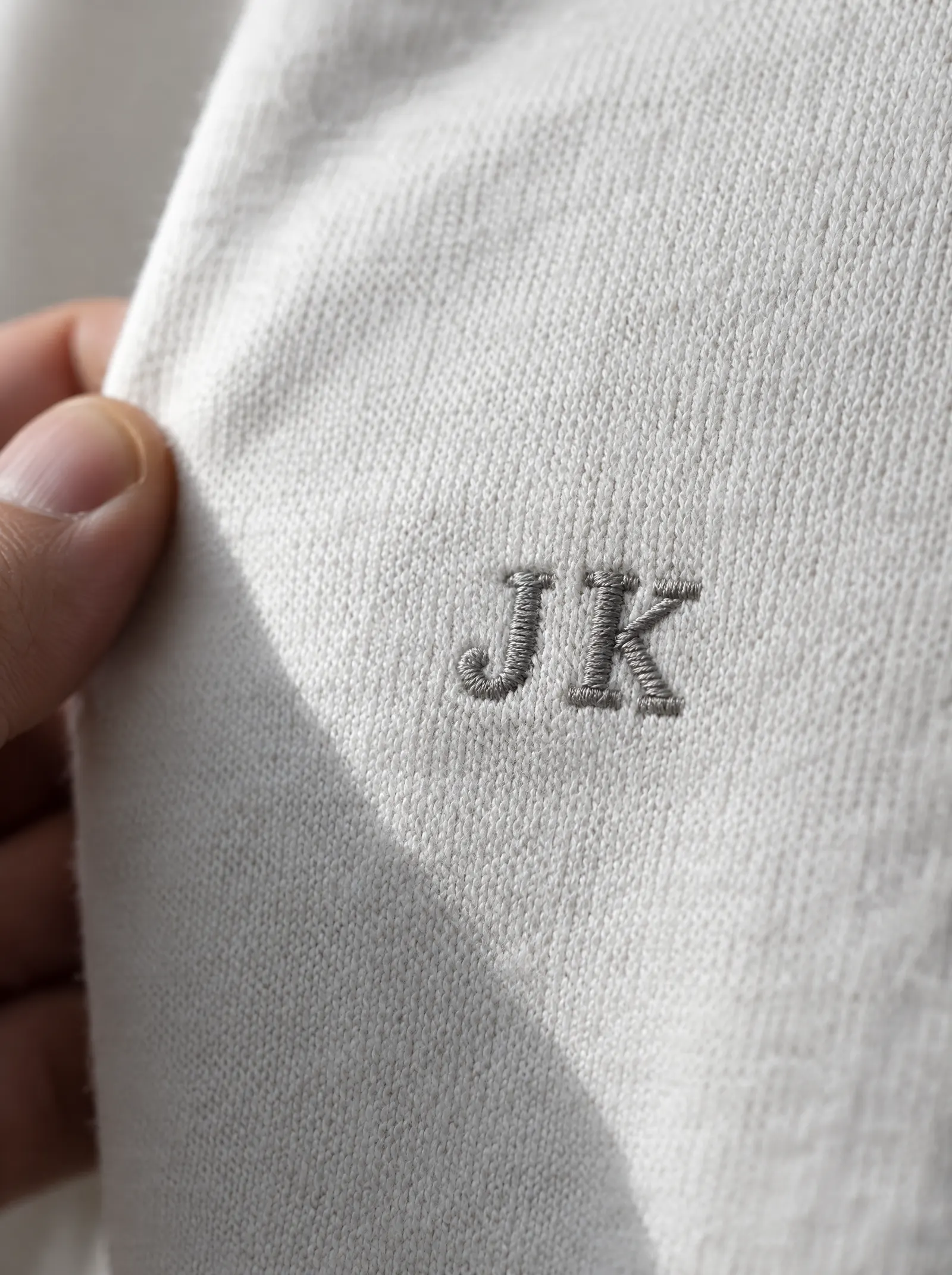
An embroidery machine cannot read a logo file. It reads a stitch file: a list of where the needle goes, in what order, with which thread. Turning a logo into that file is called digitising, and it decides how good the finished embroidery looks far more than the machine does.
What digitising is
Digitising is redrawing a logo as stitches. A digitiser works in embroidery software, tracing each part of the design and deciding:
- Which stitch type fills each shape.
- Which direction the stitches run.
- How dense the stitches are.
- In what order each part is sewn, to keep the colours lined up and the thread changes few.
- How much to compensate for the cloth pulling as it is stitched.
It is skilled work, not a file conversion. Automatic tracing software exists, but it makes poor choices on small text and fine shapes. A logo digitised well looks crisp and lies flat. A logo digitised badly looks lumpy, gappy or puckered, on the best machine in the world.
The three stitch types
Running stitch
A single line of stitches, like a pencil line. Used for fine outlines and small details, and as a base layer under other stitches.
Satin stitch
Long stitches laid side by side across a narrow shape, giving a smooth, shiny finish. Used for lettering, borders and thin shapes. A satin column has limits: below about 1 mm wide it is too thin to form, and above about 7 to 10 mm the long stitches become loose and can snag.
Fill stitch
Rows of short stitches laid in a pattern to cover large areas. Used for big shapes and backgrounds. It is flatter and more hard wearing than satin over a large area.
Why small text needs 5 to 6 mm
Text is where most embroidered logos fail. Each letter is formed from thread, and thread has thickness. Below about 5 to 6 mm tall, the openings in letters such as "e", "a" and "B" fill in, thin strokes merge, and the word becomes a blur.
What helps:
- Keep text at least 5 to 6 mm tall. On a left chest logo, that often means dropping a tagline rather than shrinking it.
- Use simple, open letterforms. Plain sans serif faces survive better than thin serifs or script.
- Avoid very thin strokes. A hairline in a logo may need to be thickened or left out.
- Give letters room. Tight letter spacing closes up in thread.
Choosing a font for t-shirts covers lettering in more depth.
Density
Density is how close together the stitches are. It is a balance.
- Too dense: the logo is stiff, heavy and can feel like a board on the chest. Too many needle holes close together weaken the cloth and can cause puckering.
- Too sparse: the garment shows through the stitches, and the logo looks thin and patchy.
The right density depends on the stitch type, the thread and the fabric. A light cloth needs a lighter touch than a heavy one.
Underlay
Before the visible stitches go down, a hidden layer of stitches is sewn first. This underlay holds the fabric steady, gives the top stitches something to sit on, and stops the cloth showing through. It is one reason a well-digitised logo looks raised and full rather than flat and thin.
Pull compensation
Every stitch pulls the fabric in a little as it tightens. Over a whole shape, that pull narrows columns and opens gaps where shapes meet. A digitiser makes shapes slightly wider than the artwork in the direction of the stitch to allow for it. Too little and gaps appear between colours; too much and shapes look fat.
Puckering, and how it is avoided
Puckering is when the fabric around a logo wrinkles or ripples. It happens when the stitches pull the cloth tighter than it can lie. The causes are usually:
- Too much density for the fabric.
- Not enough stabiliser, the backing hooped behind the cloth while it is stitched.
- A light or stretchy fabric carrying a large, dense logo.
- The fabric hooped too loose or too tight.
The fixes are matching the density to the cloth, using the right stabiliser, and keeping large dense logos for heavier fabrics. A heavier cloth, such as a 240 GSM tee or a fleece hoodie, holds embroidery flat more easily than a light one.
What this means for your logo
- Simplify for small sizes. A detailed logo can be embroidered large on a back, but at chest size small details are lost.
- Fewer colours read better. Each colour is a thread change and a separate shape.
- Gradients and photographs do not translate into thread. They are simplified into flat shades.
- Send a clean vector file. It shows the shapes clearly. See how to prepare your logo.
Seeing it before it is stitched
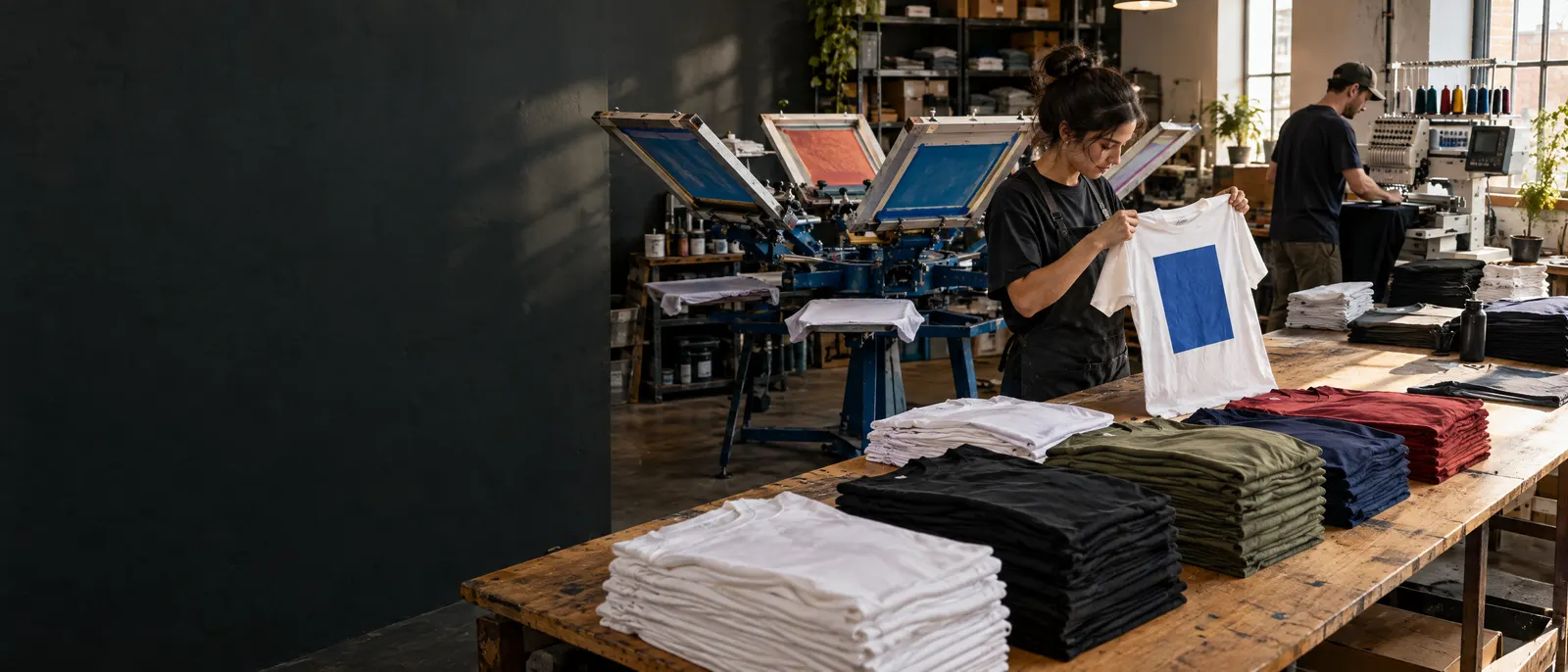
You approve a mockup before anything is made, and changes to the mockup are free. If what arrives is not what you approved, we reprint it free. Embroidery is done in our own factory in India, alongside printing.
Send us your logo for embroidery and we will come back with a mockup.
Quick answers
What is embroidery digitising?
Digitising is redrawing a logo as a stitch file the embroidery machine can read. It decides the stitch type, direction, density and sewing order for every part of the design, and it shapes the finished result more than the machine does.
What is the smallest text that can be embroidered?
Keep text at least 5 to 6 mm tall. Below that, the openings in letters fill in with thread, thin strokes merge, and the word becomes hard to read. Simple, open letterforms with room between letters survive best.
Why does embroidery pucker the fabric?
Puckering happens when stitches pull the cloth tighter than it can lie. The usual causes are too much stitch density for the fabric, too little stabiliser behind it, or a large dense logo on a light, stretchy cloth.