
A good custom t-shirt is mostly decisions made in the right order. Most designs that go wrong were started from the artwork, not from the person who will wear the shirt. Here is the order that works, from a rough idea to a mockup you can approve.
Step 1: Decide what the shirt is for
Write one sentence before you open any design tool. "A tee for the whole team to wear on Fridays" leads to a different shirt from "a tee for a 10 km run" or "a tee we sell at the launch".
The sentence answers three questions:
- Who wears it? Staff, students, customers, volunteers.
- Where? At a desk, at a stall in the sun, on stage, on a run.
- How long should it last? One day, one season, or years.
A shirt for one event can be bold and loud. A shirt people should wear for years needs a design they would choose for themselves, which usually means smaller and quieter.
Step 2: Choose the garment and its colour
Pick the shirt before the design, because the garment colour changes everything that goes on it. A white logo that disappears on a white tee looks sharp on navy. Our standard tee is 240 GSM combed cotton in nine sizes, XS to 5XL. If you are deciding on cloth, read choosing t-shirt fabric. For colour, read choosing t-shirt colours.
Step 3: Decide where the design goes
Placement is a design decision, not an afterthought. The common positions are:
- Left chest: a small logo, about the width of a palm. Quiet and smart.
- Centre front: the main graphic, read from across a room.
- Full back: event names, lists, large artwork. Good for photographs from behind a crowd.
- Sleeve or back neck: a second, small mark that rewards a closer look.
Each position is a separate job, so start with one or two. A single well-placed logo usually does more than three small ones. Logo placement on t-shirts covers sizes for each position.
Step 4: Prepare the artwork
The file you start from decides how sharp the finished print is.
- Best: a vector file, AI, EPS, PDF or SVG. It stays sharp at any size.
- Next best: a PNG at 300 DPI at the size it will print, with a transparent background.
- Avoid: a screenshot, a logo copied from a website, or a photo of a printed logo.
Keep text large enough to read. Thin strokes and tiny letters that look fine on a laptop screen fill in on cloth. How to prepare your logo explains what to send, and choosing a font for t-shirts covers lettering.
Step 5: Limit the colours
Count the colours in your design. One or two flat colours is the most flexible design you can make: it can be screen printed, printed by DTF or DTG, or embroidered. A design with gradients, shadows or a photograph rules some of those out. If the design has more colours than it needs, take some away. Fewer colours usually read better from a distance, too.
Step 6: Pick the method
The design and the quantity point to a method:
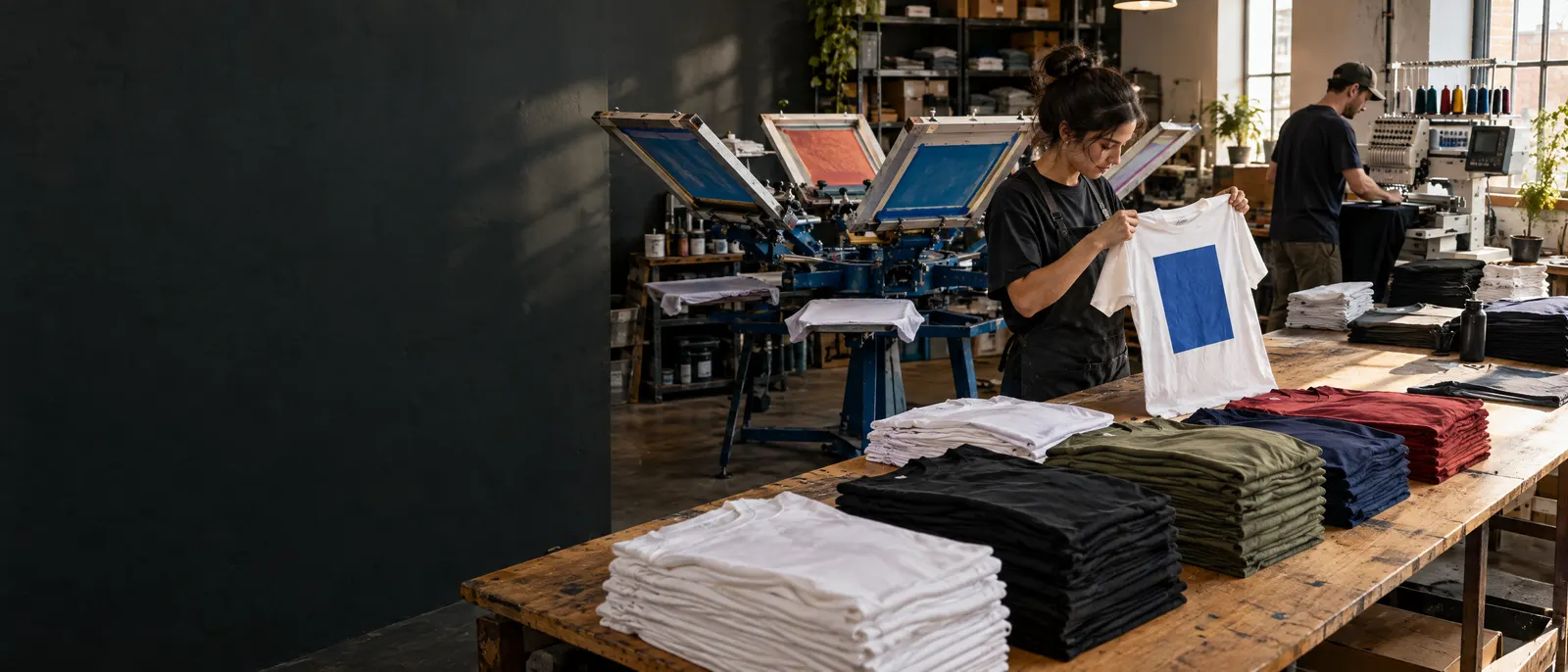
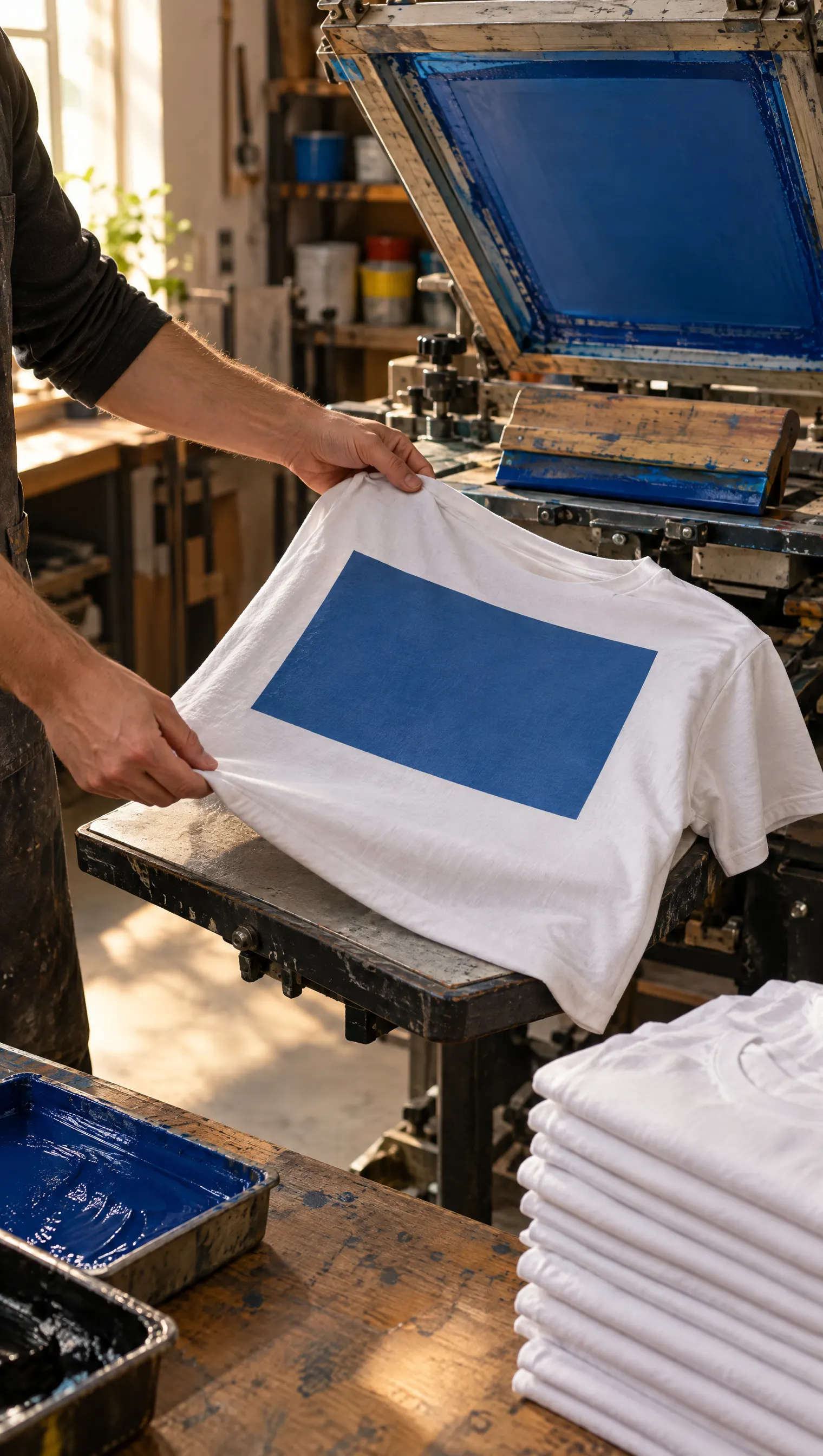
- Screen printing: one or two flat colours on a larger run.
- DTG: full colour and photographs on cotton, good on small runs.
- DTF: full colour on almost any fabric, holds fine detail.
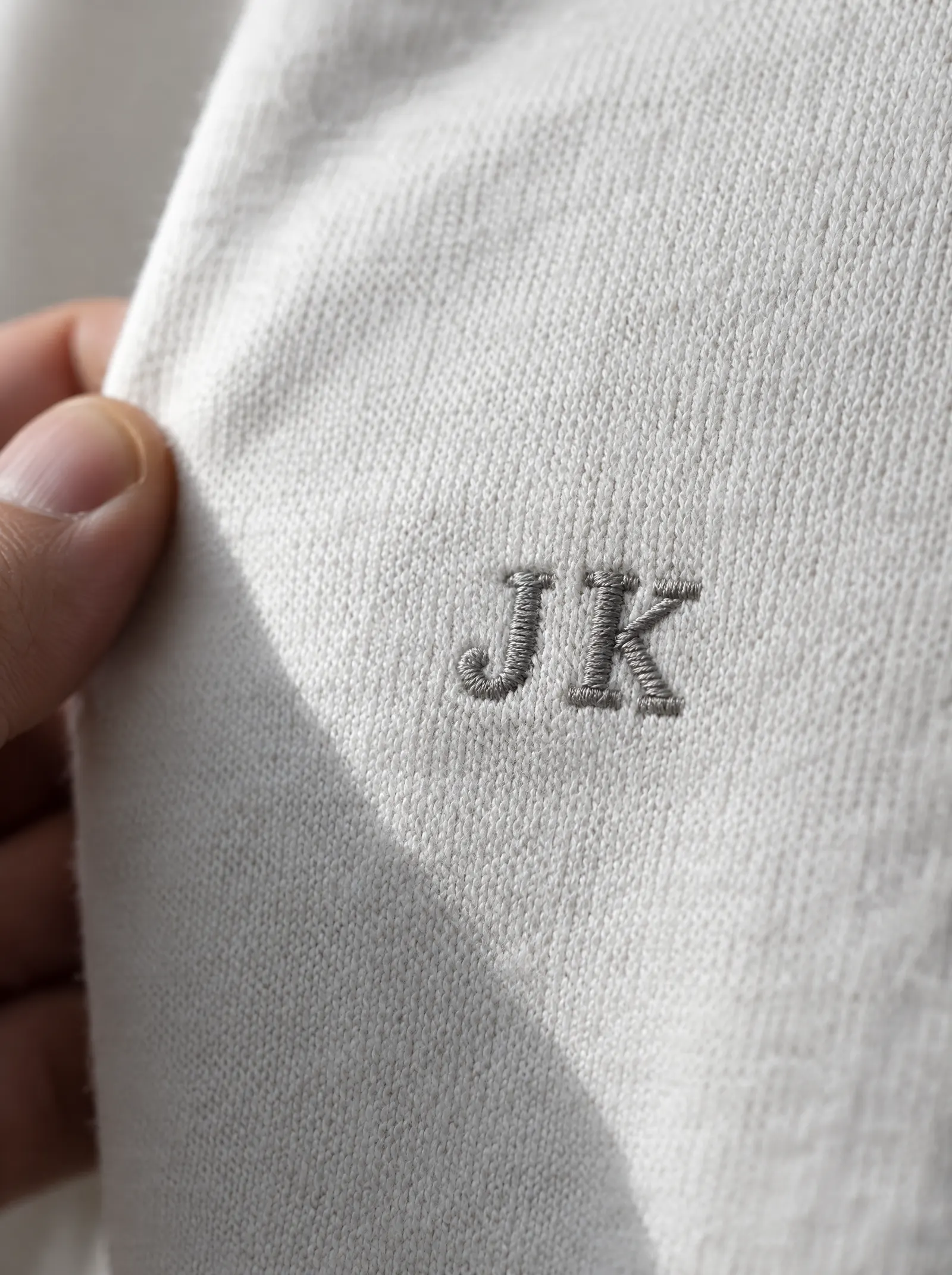
- Embroidery: a small logo that should look premium and last.
We do all five methods in-house, including sublimation for polyester sportswear. Screen printing or DTG and embroidery or print explain the trade-offs.
Step 7: Try it on a garment
Before you send anything, see the design on a shirt. Our t-shirt design maker puts your photo or logo on a t-shirt online. To build a tee, polo or hoodie with your logo, use build your merch. Look at the design at the size it will print, not zoomed in. If it is hard to read at arm's length on screen, it will be hard to read on a shirt across a room.
Step 8: Check the mockup carefully
Before anything is made, you get a mockup: the design on the garment, in position, at size, in the chosen colours. Changes to the mockup are free, so this is the time to be fussy. Check:
- Spelling. Every word, every name, every date. Read it backwards if you need to.
- Size and position. Is the chest logo too big? Is the back print too low?
- Colours. Do the ink or thread colours match your brand closely enough?
- Contrast. Does every part of the design stand out from the garment colour?
Nothing goes into production until you approve it. If what arrives is not what you approved, we reprint it free.
Step 9: Order
One piece is a real order on most of the range, in a stock colour, so you can hold one shirt before ordering for everyone. A single printed tee ordered online is ₹499 including GST and delivery. Larger orders are priced per piece on a quote. Dispatch is 4 to 30 days from approval, depending on the order, and every order comes with a GST invoice.
A short checklist
- One sentence on who wears it and where.
- Garment and colour chosen.
- One or two print positions.
- A vector file or a 300 DPI PNG.
- As few colours as the design needs.
- The mockup checked for spelling, size, position and colour.
Ready to start? Design your t-shirt in the builder, or send us your logo and we will come back with a mockup.
Quick answers
What is the first step in designing a custom t-shirt?
Decide what the shirt is for: who wears it, where, and how long it should last. A tee for one event can be bold, while a shirt people should wear for years needs a smaller, quieter design. Then choose the garment colour before the artwork.
What file do I need to print a custom t-shirt design?
A vector file, AI, EPS, PDF or SVG, is best because it stays sharp at any size. Next best is a PNG at 300 DPI at the printed size with a transparent background. Avoid screenshots and logos copied from websites.
Can I change the design after I see the mockup?
Yes. Changes to the mockup are free, and nothing goes into production until you approve it. Check spelling, size, position, colours and contrast before you approve. If what arrives is not what you approved, we reprint it free.
Can I order just one custom t-shirt to check the design?
Yes. One piece is a real order on most of the range in a stock colour. A single printed tee ordered online is ₹499 including GST and delivery: 240 GSM combed cotton, stock colour, one print position.